
The PE department every school deserves.
Plan smarter. Adapt to your gym. Assess skills and fitness. Show student growth.
partner schools
From lesson planning to student growth, everything connected.
Plan, adapt, assess, track progress and show impact in one place.
Plan a lesson—or an entire year
Connected, standards-aligned lessons, units and annual plans.
Make every lesson work for your students and space
Adjust for space, equipment, class size, safety and student needs.
Assess skills and fitness without slowing down class
Fitness tests, skill rubrics and Movement Skills Check, with Pre/Mid/Post tracking.
Help students see and own their progress
Students view results, set goals and reflect on activity.
Show student growth and program impact
Progress across students, classes, grades and schools.
See PhysednHealth in action.
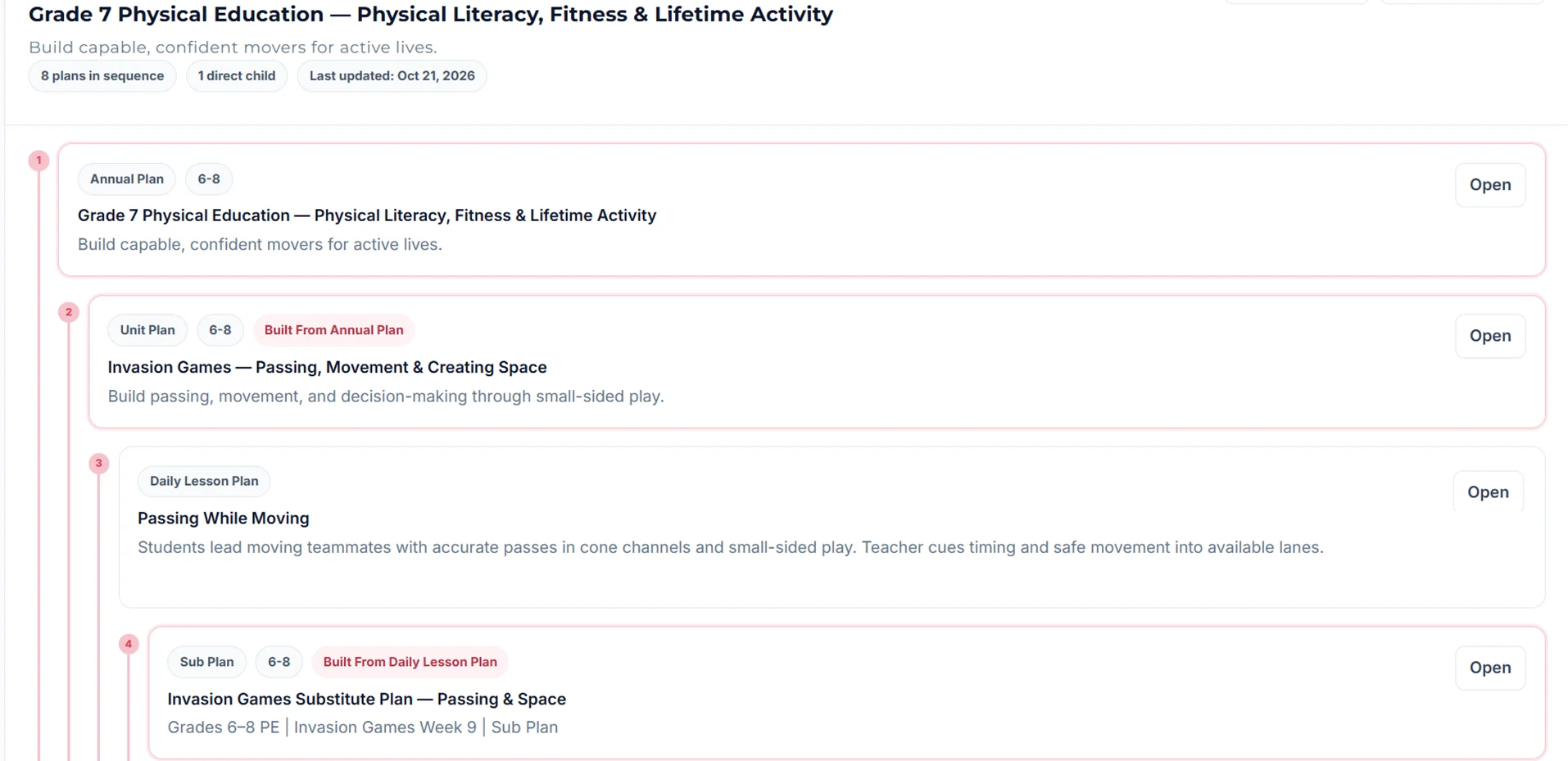
A year of lessons that fit your gym.
- Standards-aligned scope and sequence
- Station maps and play diagrams
- Sub-ready plans when the day changes
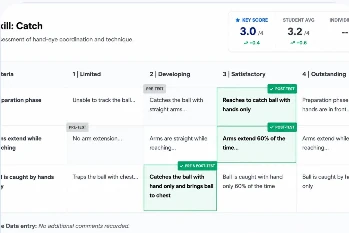
Assess what you taught, while class keeps moving.
- Fitness tests and skill rubrics
- Movement Skills Check for fundamental movement
- Pre, Mid and Post in one record
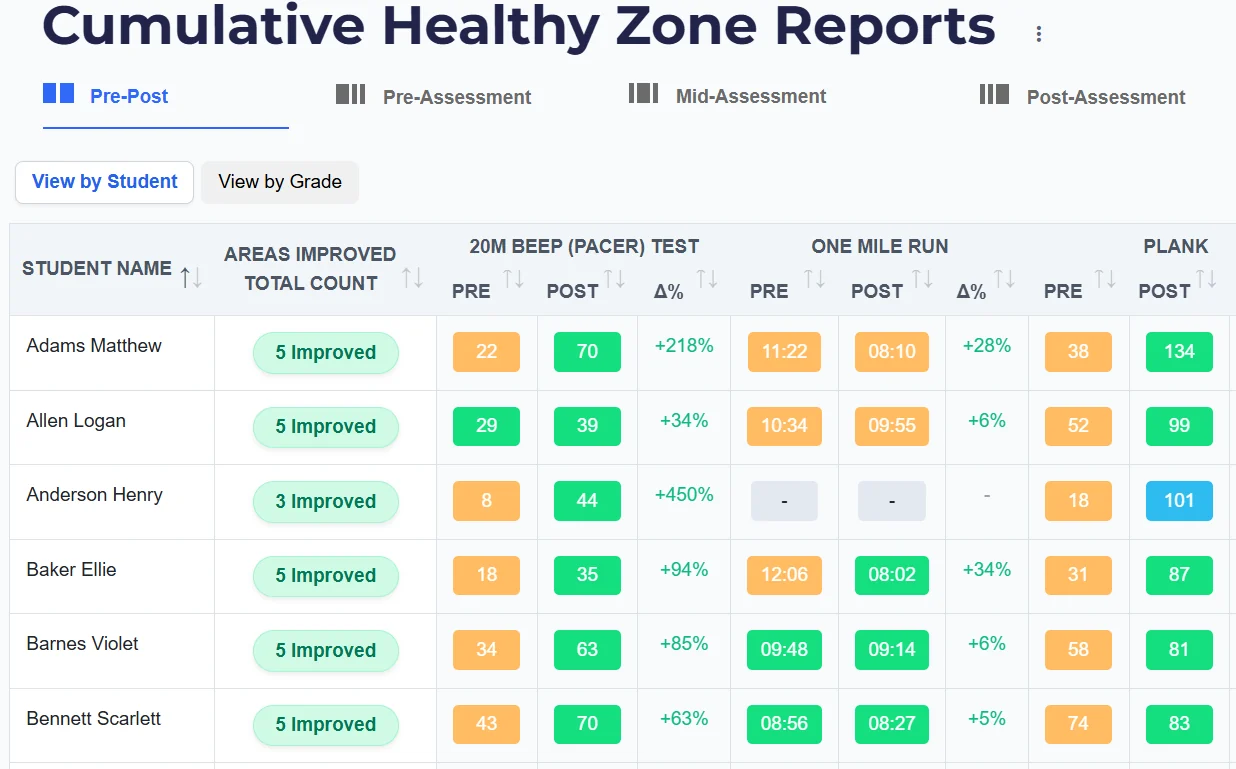
Growth students can see, and leaders can act on.
- Student goals, activity logs and reflection
- Report cards for families
- School and district comparisons
Matthew F., teaches grades 4, 5 and 7
Howard P., teaches grades 9, 11 and 12
Built for real PE conditions.
Same lesson. Different gym. Ed adapts.
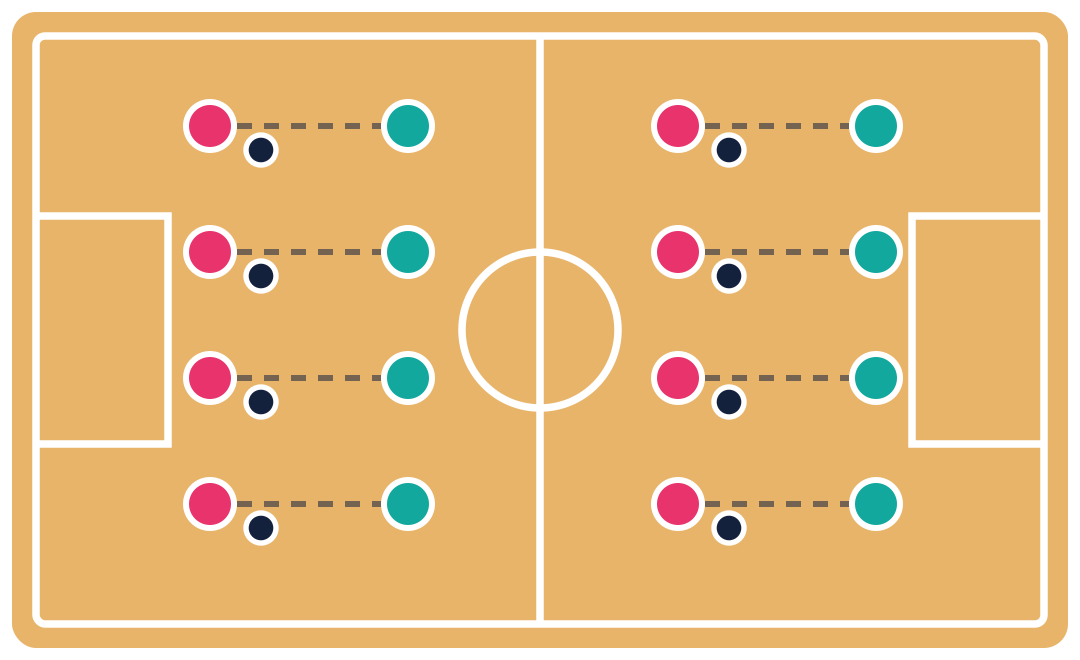
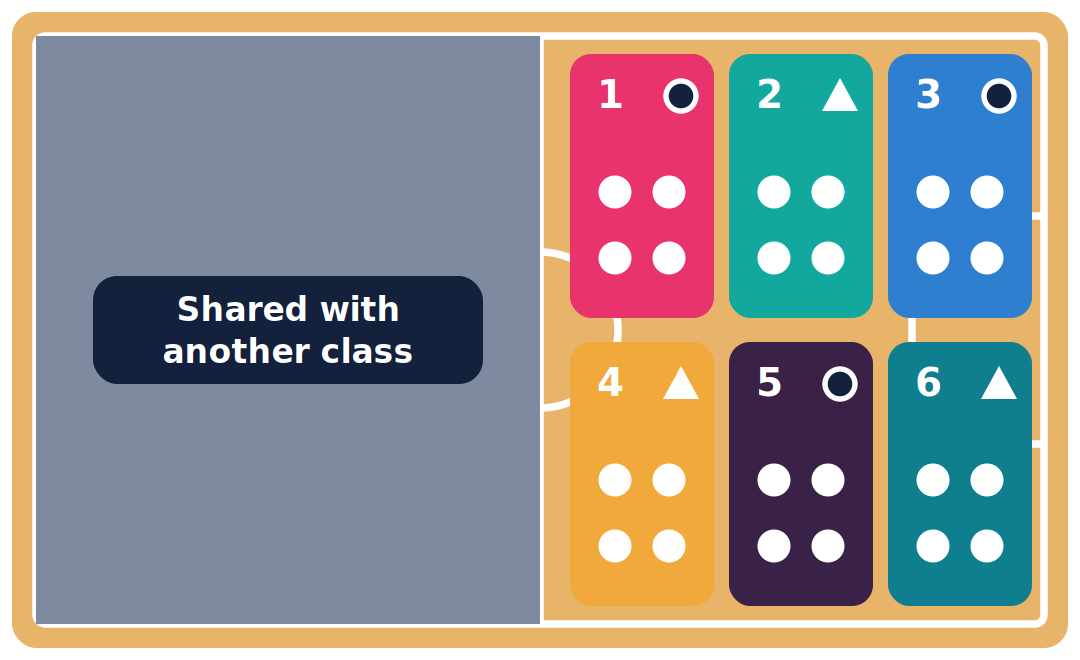
- Moves the activity to the space that's free
- Splits the class into rotating stations
- Shares limited equipment so every student stays active
Shared gyms and half courts
Thirty-plus students, eight balls
Grouping, rotations and equipment plans adjust to fit.
Every student, every need
Testing without stopping class
Built for every level of PE.
Faster planning, less paperwork, better evidence
Show families and boards what PE really looks like
Consistency and visibility across schools
Supported from day one.
Implementation support
- School and district views with role-based access
- Onboarding and instructional planning support
- Rubric calibration, assessment and reporting workflows
Professional development
- Role-specific onboarding for teachers and leaders
- General PE and Adapted PE support from experienced educators
- Ongoing support during the licensed service
Commitment to student data privacy
Get started your way.
Start a free trial
No district walkthrough needed. Try the teacher tools and share with your school later.
- Plan with Ed, your PE Planner
- Try skill and fitness assessments
- See student progress and reports
Request a walkthrough
Common questions.
No. PhysednHealth connects lesson planning, adaptations, visual instruction, fitness and skill assessments, student goals and reporting, so teachers work in one connected system instead of separate tools.
Districts can support a more consistent approach across schools, connect instruction to assessment, and review school- and district-level reporting while reducing fragmented teacher workflows.
Ed helps you move from a blank page to a standards-aligned annual scope and sequence, then builds connected units, lessons, activities and assessments, with adaptations and sub-ready alternatives when plans change.
Keep it. Plan from your existing standards, units and resources, and use PhysednHealth to connect what’s taught to assessments, student progress and reports.
Yes. Movement Skills Check is live within Skill Rubrics. It supports observing fundamental movement skills, tracking student progress and identifying next instructional steps.
Yes. PhysednHealth provides onboarding and supports planning, assessment, scoring, reporting and inclusive instruction through experienced educators.